Welcome
Smart Notetaking.
Task Management & Visual Planning.
Notara is a private, local-first personal workspace combining Markdown editing in real directory trees, due-linked task reminders with desktop system tray integration, vision boards, calendar planning, and an OpenAI assistant with interactive change reviews.
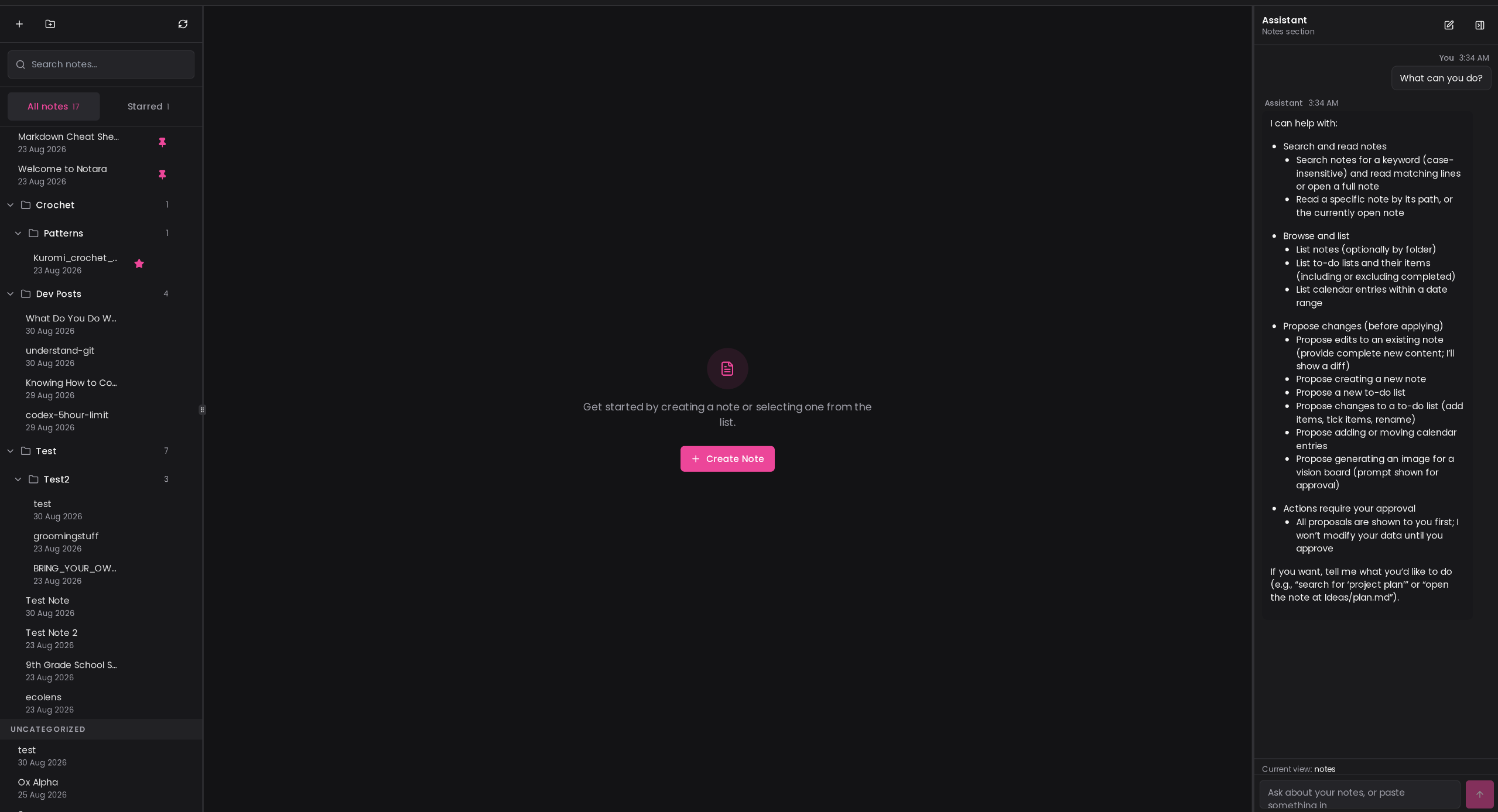
What Notara includes
Organize notes in real folders on disk. Includes live preview, formatting toolbar, syntax-highlighted code blocks, GitHub-flavored tables, pinned note hoisting, starred filters, and atomic file replacement.
Date-based task lists, sub-items, progress tracking, scheduled times, and native desktop notifications powered by Rust and system tray background delivery.
Drag, resize, recolor, and organize mixed image and text cards for planning, inspiration, and reference collections.
Inspect upcoming schedule items, jump back to today, and view selected-day tasks and notes in a focused side-by-side workspace.
Drafting, summarizing, and image generation using your own OpenAI key. The assistant proposes changes with visual diffs so you review every edit before saving.
Desktop builds work directly in a local workspace folder with atomic file writes. Web builds connect to local directories via the File System Access API.
Start where you are
Download Linux packages (.deb, .rpm, AppImage),
the Windows installer, or build from source.
Review the architecture, feature breakdown, and design philosophy behind Notara.
Learn how directories, Markdown files, frontmatter metadata, and the .notara sidecar interact.
See how files are stored, how the Tauri runtime operates, and how desktop reminders run.
Download the current release
| Package | Download |
|---|---|
Linux .deb | Notara_2.5.0_amd64.deb |
Linux .rpm | Notara-2.5.0-1.x86_64.rpm |
Linux AppImage | Notara_2.5.0_amd64.AppImage |
| Windows installer | Notara_2.5.0_x64-setup.exe |
A quick orientation
Notara defaults to the Midnight theme with a crisp Pink accent on flat semantic surfaces.
The application stores notes directly as Markdown files inside your chosen workspace folder,
keeps metadata in a small .notara sidecar, and runs background task reminders via native desktop
notifications. Check the release notes for details on recent updates.